Microsoft Defender Web Protection vs Full URL Enforcement: Where Cybereinforce Extends Protection Beyond Edge
Defender blocks a full phishing URL precisely in Edge. In Chrome, Firefox and Safari it can only act on the whole domain. That small detail decides whether today's phishing pages on trusted cloud platforms get through, and it is exactly where Cybereinforce steps in.
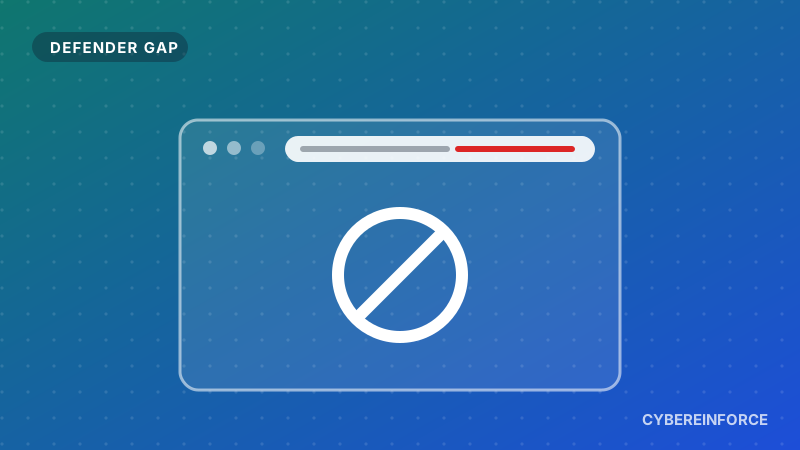
Here is a conversation we have with security teams almost every week. They run Microsoft Defender for Endpoint, they add URL indicators for every phishing link their SOC finds, and they assume those links are now blocked for everyone. In Edge, they are. In Chrome, Firefox and Safari, the picture is quite different, and most people only find out after an incident.
Let us walk through why, with an attack pattern that is all over the news right now.
A domain is not a URL
A domain is the whole website, for example storage.googleapis.com. A URL is one specific page on it, for example storage.googleapis.com/some-bucket/invoice.html.
That difference sounds academic until you look at how phishing works today. Attackers have learned that they do not need their own domain at all. They upload a fake Microsoft 365 sign in page to a public cloud storage bucket, a form builder or a file sharing service, and send you a link to it. The link points to a domain your company trusts and uses every day.
You cannot block storage.googleapis.com without breaking half the internet for your users. You can only block that one page. So whether your controls work on the full URL, not just the domain, is the whole game.
What Microsoft says about it
Microsoft is open about this in its own documentation, and we respect them for it:
- In Edge, URL indicators are enforced by SmartScreen, and that includes the full path.
- In Chrome, Firefox and other browsers, enforcement relies on Network Protection, which has to be switched on in block mode. For encrypted HTTPS traffic it can see the host name but not the path. A full URL indicator therefore acts on the whole domain there.
- New indicators are not instant. Microsoft mentions a delay of up to around two hours, usually less, before a new URL or IP indicator is enforced.
- Each tenant can hold up to 15,000 custom indicators, so bigger threat feeds have to be trimmed.
Put those together and a very normal situation appears. Your SOC finds a phishing page on a cloud storage bucket, adds the exact URL to Defender, and the colleague who opens it in Chrome sees the fake login page anyway.
Why this matters right now
Phishing kits sold as a service, the kind that steal both the password and the MFA session in one go, love trusted hosting. Over the past year researchers have kept reporting campaigns that drop a single HTML file into a public storage bucket, often with an invoice, a voicemail or a shared document as the story. Every one of those links starts with a domain your proxy and your users have learned to trust.
And phishing does most of its damage in the first hours. A link that is blocked tomorrow, or only in one browser, protects almost nobody.
How you would be protected with Cybereinforce
- The exact page is blocked in every browser. Chrome, Edge, Firefox and Safari, on Windows, macOS, iPhone and iPad. The phishing page is stopped, the rest of the cloud platform keeps working.
- Your Defender indicators finally reach every browser. Cybereinforce reads the indicators your team already maintains in Defender and enforces them inside the browser itself.
- Storage bucket lures are caught on sight. We recognise the pattern of an HTML lure sitting in a public bucket and block it immediately, even when nobody has reported that link yet.
- Our threat intelligence comes on top. You do not have to decide which 15,000 indicators you can afford. Our curated feed is enforced in addition to your own rules.
- Your SOC sees every attempt. Each block becomes an event with the user, the URL and the reason, ready for Microsoft Sentinel.
Defender plus Cybereinforce, not instead of
Want to see the difference? In this demo we block a malicious URL in the browser before Defender's own enforcement has kicked in:
Browser level blocking that is active before Defender's indicator rollout completes.
We are not asking anyone to replace Defender. It is a strong product and it keeps protecting your endpoints and network. Cybereinforce simply adds precise, immediate enforcement in the one place where phishing actually happens: the browser tab your colleague is looking at, whatever browser that is.