Real Time Heuristics: Catching the Phishing Nobody Has Reported Yet
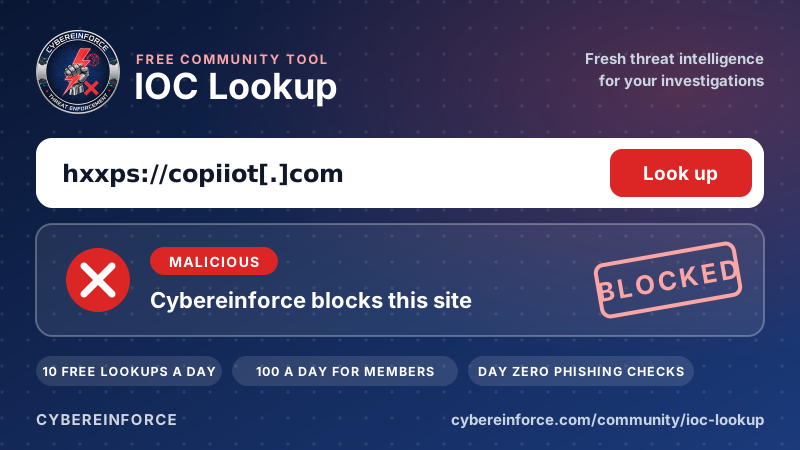
Lists only know what someone has already seen. Our heuristics look at what a link is trying to be: a fake Microsoft domain, a login page hidden in a cloud bucket, a machine generated throwaway address. Here is how they work and which current attacks they stop.
Threat intelligence lists are powerful, but they share one honest limitation: they can only contain what someone has already seen. The most dangerous link is the one that went out for the first time this morning. To stop that one, you need to judge a link by what it is trying to be, not only by whether it is on a list.
That is what our heuristics do. They run in real time on every page a protected user opens, in every browser.
1. Brand lookalike domains
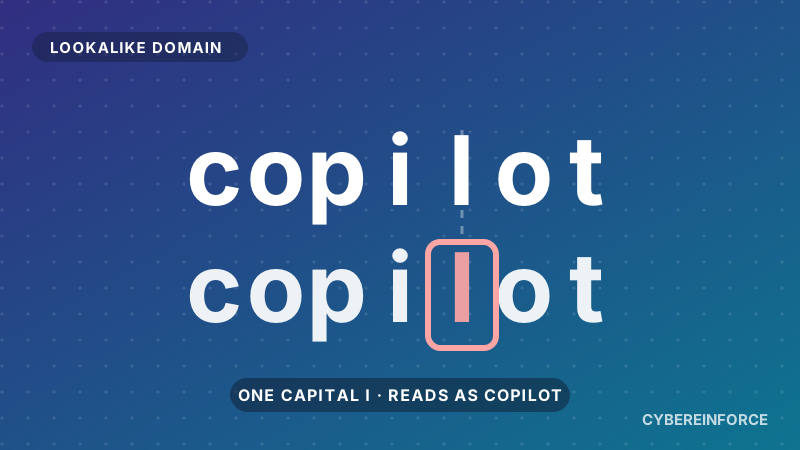
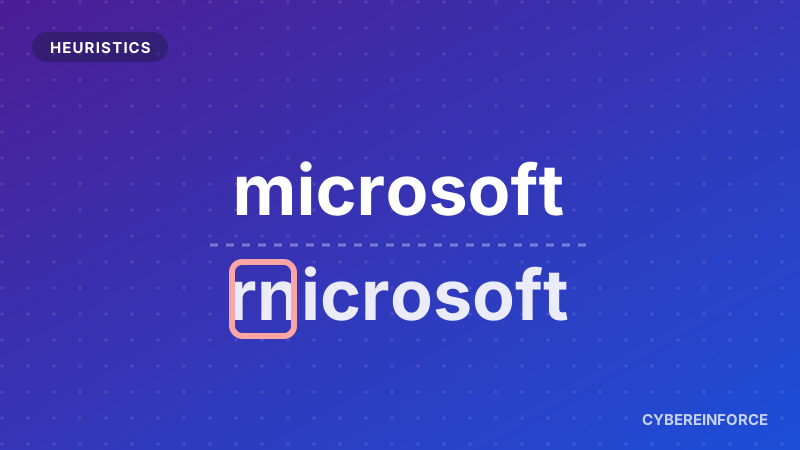
Attackers love domains that look like a brand you trust at a glance. Think of rnicrosoft with an "r" and an "n" pretending to be an "m", a zero instead of an "o", or a brand name glued to words like "secure", "login" or "verify".
We check every visited domain against the real official domains of dozens of the most impersonated brands, including Microsoft, Google, Apple, banks and parcel services. We read through typical character tricks, but we only match whole words, so a genuine shop that happens to contain a brand name inside a longer word is not affected.
A lookalike shape alone is not the end of the story. Before blocking, we check supporting evidence: is the domain brand new, does it sit on a top level domain that is popular with abusers, is it hosted on a throwaway platform? That combination is what keeps the false alarms down.
Current example: the "adversary in the middle" kits used against Microsoft 365, such as Sneaky 2FA, and Tycoon 2FA before its takedown in March 2026, run their fake login pages on domains built to look like Microsoft or like the victim's own company portal.
Apple is another favourite target. In this short video we walk through a real Apple impersonation domain from our threat intelligence:
A real Apple brand impersonation case, September 2026.
2. Login pages hidden in cloud storage
A favourite trick of the past year: upload a single HTML file with a fake Microsoft login into a public cloud storage bucket, then send the link. The domain is a giant, trusted cloud provider, so most filters wave it through.
We recognise the pattern itself, an HTML page served straight out of a public storage bucket, and block it on sight. No report needed, no waiting for a list update, and the rest of the cloud service keeps working normally.
3. Machine generated domains
Some malware and phishing operations create domain names by algorithm, long strings of random looking letters that nobody would ever type. Their shape gives them away. We flag them, especially when they sit on cheap or shared hosting.
4. Abused legitimate websites
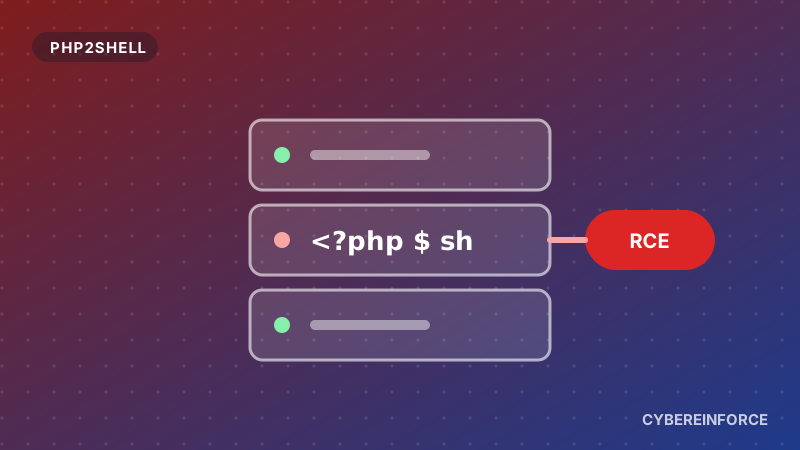
Not every malicious page is on a malicious site. Hacked websites, such as old blogs with outdated plugins, are used to host lures because their domain has a long, clean history. We look for the typical behaviour of this abuse, for example password reset pages on compromised web installations sending people somewhere they should not go.
5. Fresh domains
All of this works together with our new domain protection, which blocks domains registered within the last six months and warns on anything younger than a year. A lookalike that was registered yesterday does not stand a chance.
How you would be protected with Cybereinforce
- A fake Microsoft login on a lookalike domain is stopped on the first click, even if the campaign started an hour ago.
- The cloud bucket invoice lure is blocked by its pattern, without touching the cloud service your teams use every day.
- Every decision comes with a reason, like "brand lookalike of microsoft.com, domain registered 2 days ago", so your SOC can act on it.
- Every new detection feeds back into our intelligence. Our analysts review what the heuristics catch, so the next customer is protected by a confirmed indicator too.