Fake Suspended Pages Make Live Bank Phishing Sites Look Taken Down
Kela found a bank phishing network that shows a fake account suspended page on the second visit, so scanners and takedown teams think the site is gone. The name and age of the domain are visible before any page loads, and a browser can act on them at the first click.
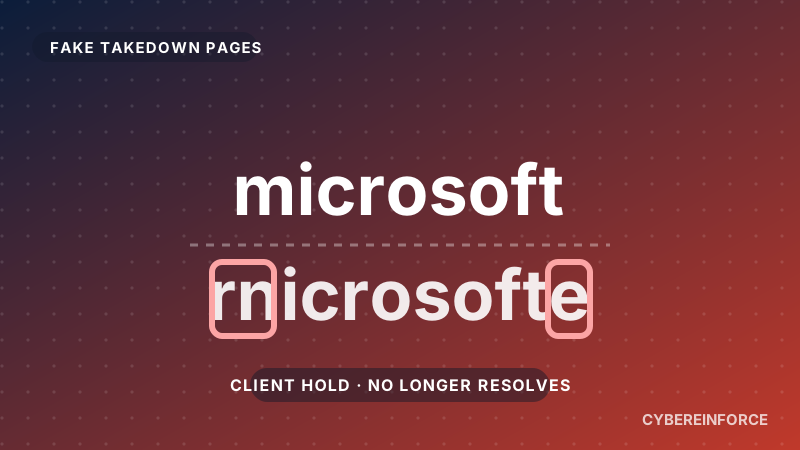
This week Kela published research, reported by SecurityWeek on 5 November 2026, on a phishing network that fakes its own takedown. The kit remembers each visitor's IP address. The first visit gets a bank login page, and any return visit gets a page saying the hosting account has been suspended. The people who check a reported site twice are the people who could shut it down, so the reliable signal is not what the page shows on the second look. It is the name and age of the domain.
What happened
Kela calls the cluster the "Suspended" infrastructure. SecurityWeek reported Kela's findings on 5 November. The facts below come from those two write ups.
- The campaign has been active since May 2026 and Kela has identified more than 300 domains in it.
- As of 25 October, 248 live domains impersonated 189 US financial institutions, and 183 of those institutions still had live lookalikes on that date.
- A handful of domains date to late 2025. Most were registered between July and September 2026, with a peak in August.
- In the week to 25 October, 49 new domains went live and 15 were taken down.
- Most targets are mid sized regional banks. Many of the cloned pages are business banking and treasury logins, not personal accounts.
Kela has not tied a delivery channel to the campaign, so how victims reach the pages is still open. It notes that the domain names read like the subject line of a bank alert, such as a transfer waiting to be authorised or an account about to be disabled.
How the attack works
- The domain is registered. Most follow one recipe: a keyword, a hyphen, then the bank's name, as in
keyword-bankname[.]com. The dominant keywords are secure, disable, protect and cancel. Authorise, terminate, credentials and commercial appear less often. - The first visit gets the bank. The page carries the bank's branding and asks for a user ID and password. Business versions add a Company ID field. Some show a reCAPTCHA first. The tab title copies Cloudflare's "Attention required" challenge page, and a script blocks the browser's developer tools.
- The second visit gets a fake closure. The same IP address now sees a "This account has been suspended" page that copies the notice a hosting provider shows after closing an account.
Kela puts the consequence plainly. A takedown provider can mark a lookalike domain as down while it is still serving the phishing page to new visitors. Seeing the live content takes a new IP address for every check.
Some domains use other decoys instead. Kela saw a "Sorry, you have been blocked" notice, a blank page and a redirect to Google. Cloaking also means public scan services capture only part of the campaign. Some of the flagged domains have no public scan record at all, such as protect-pinnaclefp[.]com. Another example Kela gives is 53primaryset[.]com, a lookalike of a bank's business banking portal.
Why it works
Kela lists four things that make the infrastructure hard to stop.
- A naming formula simple enough to repeat for any bank.
- Cloudflare, which hides where the sites are hosted.
- A kit that shows a fake "suspended" screen to anyone who checks twice.
- Shared servers that outlast any single domain.
Kela's key point is that a takedown removes one lookalike while the servers behind it keep serving the rest. It saw an origin server that hosted US bank lookalikes in early October serving a new one on 20 October.
The page and the hosting change depending on who is looking. The domain name is the one part the operator cannot disguise from the visitor, because the visitor has to type it or follow it. A name that is a keyword plus a bank's name, on a recently registered domain, says what it is before any page loads.
What to do
Kela's advice is practical, and most of it applies to a corporate security team as well as to a bank.
- Watch the naming recipe. In newly registered domain feeds, treat .com domains that combine those keywords with your bank's name, or a customer's, as high priority. Do the same for help desk, live support, treasury and "primary device" names built on that name. Kela says to confirm by page behaviour before attributing a domain to this campaign, since other operations use similar words.
- Do not clear a domain after one visit. A "suspended" response may only mean your IP address has visited before. Check from a new address each time and check again over several days.
- Confirm a takedown from a fresh address. A provider that only sees a decoy page may close your report as resolved.
- Do not block shared origin IP addresses. Each is shared with hundreds of unrelated websites.
- Warn people who handle company bank accounts. Kela's advice is aimed at business banking customers. A message asking them to cancel or authorise a transfer through a link matches the themes in this campaign's domain names. They should confirm through the bank's known phone number or app, not through the link.
If your people run treasury or payment tasks, they are the audience this campaign is aimed at. The same advice holds for any brand your staff are used to trusting, including Microsoft.
Where the browser fits
A takedown process has to be right every time it checks. The kit only has to be convincing once per victim. That is an uneven contest for the team on the clean up side.
The browser is where a real person is about to load the page. At that moment the judgement that matters is whether this domain imitates a brand and is brand new. It does not matter whether the page would have shown a login form or a suspended notice to a scanner a minute earlier.
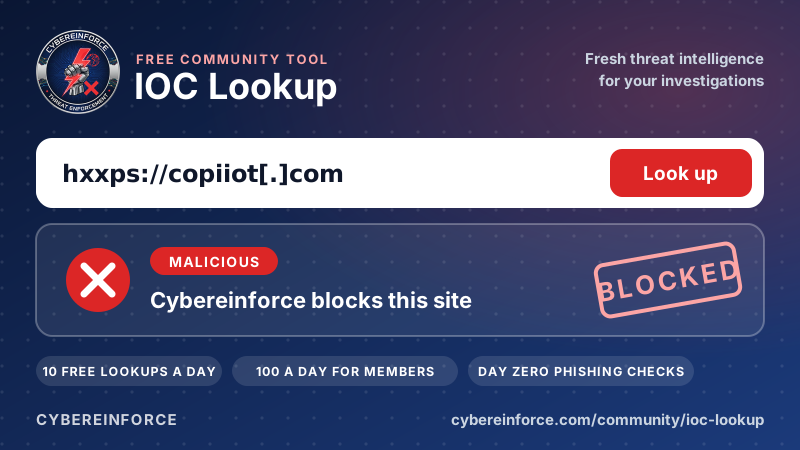
Lookalikes of this kind can be found in Certificate Transparency logs, which Cybereinforce reads continuously, and in newly registered domains across 1,100+ TLDs. That is a better source than waiting for someone to report a page.
How you would be protected with Cybereinforce
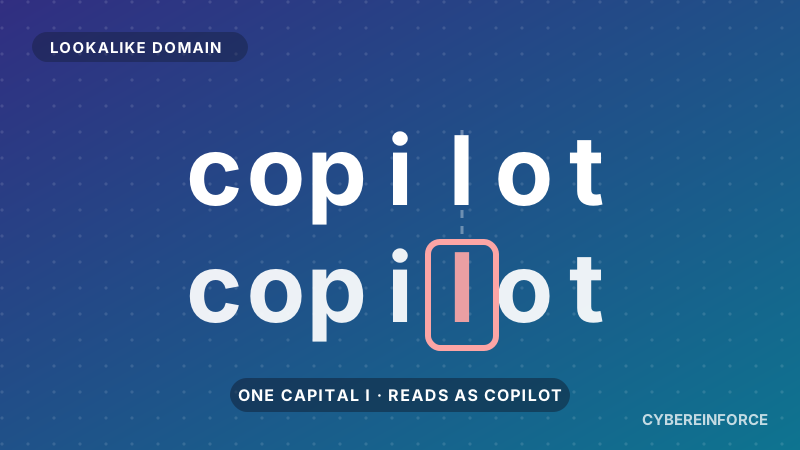
- Real time brand lookalike detection.* This works from minute one, before any reputation exists. Domains that imitate well known brands are caught on the first click, not after the rest of the industry has caught up.
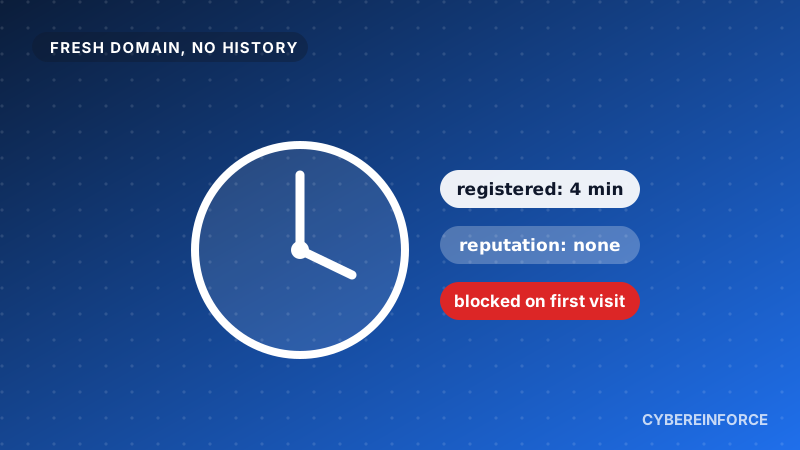
- New domains get no free pass.* A domain registered in the last six months is blocked in the browser, and one between six and twelve months old shows a warning. Most of the domains in this campaign were registered between July and September 2026, inside that six month window.
- The block does not wait for a report. Rotating to fresh domains does not help when fresh domains are exactly what gets blocked. A fake suspended page on the second visit buys the operator nothing against a block on the first click.
- Your SOC sees every attempt. Each block becomes an event with the user, the URL and the reason, for example "domain registered 3 days ago", ready for Microsoft Sentinel and working alongside Microsoft Defender.
If you run a bank, a lender or any firm whose customers are used to receiving payment and security notices from you, Brand Protection watches your own brand in every spelling. You hear about each lookalike through Microsoft Sentinel and email straight away. The browser block protects people while a takedown runs, and enforcement in the browser does not wait for it.
* In browsers protected by Cybereinforce: Chrome, Edge, Firefox and Safari on Windows, macOS, iPhone and iPad.