Legal themed lookalike domains in the INCEPTION SSO vishing campaign
Attackers behind the INCEPTION vishing campaign register a legal themed domain that carries the target's own company name, then guide staff to it by phone. Here is how it works and how to block it in the browser.
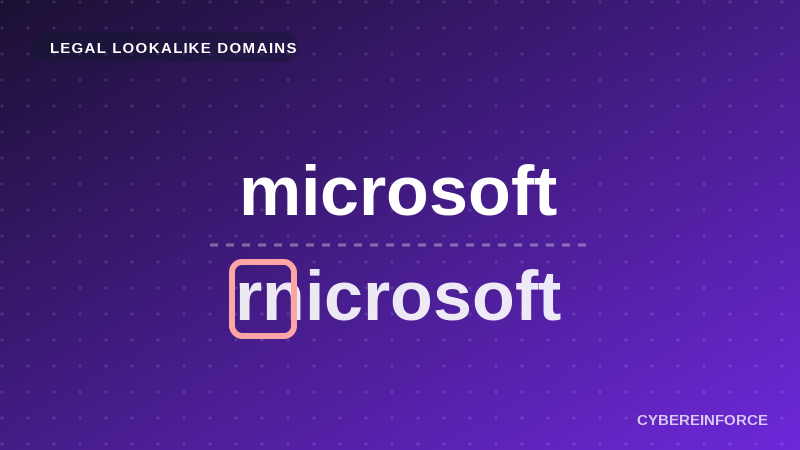
The phone rings, and the caller sounds like support. They ask you to reset your password and guide you to a web address to do it on. The address contains your own company name and the word "legal", so it looks like something your employer would run. That is the pattern behind the INCEPTION SSO vishing campaign reported this week.
The attacker does not need to beat your email filter or your reputation lists. They register a domain with your brand in it and then ring your staff.
What happened
Reports from 23 and 24 November 2026 describe legal themed vishing domains tied to a new extortion site called INCEPTION. Palo Alto Networks Unit 42 has observed more than 70 such domains since October 2026. Okta tracks the cluster behind the activity as O-UNC-053. As of 16 November 2026, a data leak site operating as INCEPTION has listed data taken from O-UNC-053 targets.
Okta links the cluster to the INCEPTION site, but the operators are not confirmed. The Hacker News describes it as a vishing cluster previously associated with ShinyHunters. A summary of ReversingLabs research published on 23 November says Okta assesses that the cluster very likely changed its brand affiliation. It also says Okta cannot yet say with high confidence whether O-UNC-053 runs the leak site itself or partners with another extortion actor. INCEPTION itself denies any link to ShinyHunters.
The leak site lists seven companies. Those are attacker claims, and they have not been independently verified. We are not naming anyone, and the rest of this article does not depend on them.
How the attack works
- The domain is registered. Attackers register fake domains themed around legal departments, with the targeted company's name in them. The patterns reported are
legal-<target>[.]com,legaldept-<target>[.]com,<target>-legal[.]comand<target>[.]legal. - The phone call. Posing as support staff, the caller phones employees and prompts a password reset or an interaction with a fake SSO screen.
- The kit relays everything. The phishing kit matches the target organisation's Okta or NetIQ login screen. It relays the username, the password, and the MFA code or push approval.
- The attacker signs in for real. With those factors they reach SSO connected SaaS environments, take data and move to extortion.
ReversingLabs identified 21 confirmed malicious domains plus further infrastructure candidates. According to the same summary, the legal themed domains had no MX, DKIM or DMARC records. They were set up as web infrastructure for phone guidance, not for sending email. The domains sit behind Cloudflare and are short lived.
The Hacker News quotes ReversingLabs on one more detail: the kit shows tailored content to intended victims and sends other visitors on to the organisation's real Okta or NetIQ sign in. A casual check of the address by a researcher or a filter can therefore look harmless.
Okta says the use of legal themes began in October 2026, and that the domains are often registered on the day a campaign starts or within a day of it. Earlier waves used help desk, support and claims themes.
Why the brand name does the work
Most lookalike domains swap a letter and hope you do not notice. This campaign takes a different route. The domain is the company's own name plus a word that sounds official. Staff do not need to be fooled by a typo, because nothing looks wrong. The caller is already on the line, the pressure is real, and the address reads like an internal page.
The phone call also moves the lure out of the places many tools watch. There is no suspicious attachment and no message to filter. The user types or clicks an address that was read out to them. One of the first moments your stack can act is the page load.
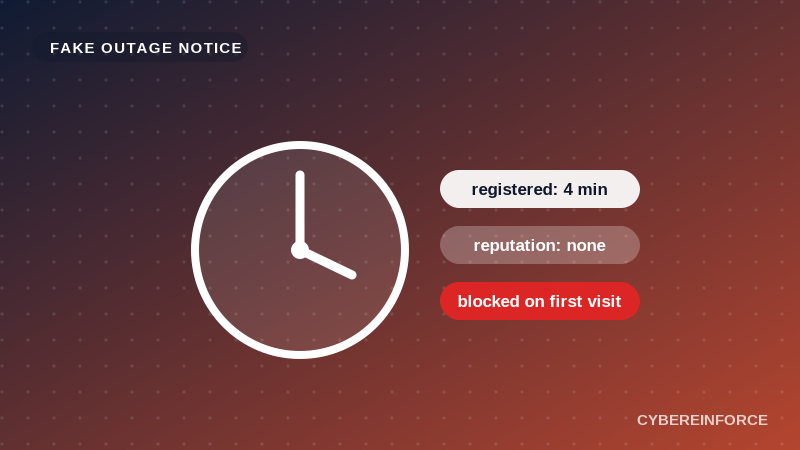
Age is the other tell. Unit 42 says each domain is created for one intended target, and Okta says they are registered on or close to the day the campaign starts. A name made for one company a short time ago has no history and is unlikely to appear on any reputation list yet.
Why this is hard to see from the SOC
The signs are spread across systems. The ReversingLabs summary lists them as lookalike domain resolutions in proxy and DNS logs, password resets and MFA challenges in the identity provider, logins from unknown devices or locations, and bulk searches and downloads in SaaS right after authentication. It also notes that the lack of one shared time base makes it hard to line up phone records with identity events.
That is why the earliest signal is the most useful one. A newly registered domain with your company name in it, resolved by one of your users, is worth acting on before any identity event exists.
What to do
- Use phishing resistant MFA. FIDO2 and WebAuthn passkeys, or Okta FastPass, are listed as conditions under which this attack fails. Okta says the kit is not designed to bypass them, because a relayed code or push approval is not enough.
- Verify identity at the help desk. Staff should not follow a URL read out over the phone. They should go to the official portal themselves and report the call.
- Hunt back to 21 October. Search DNS, proxy and identity logs from that date for legal themed lookalikes of your name, and for resets followed by unknown device logins.
- Watch your own brand. Look for new registrations containing your company name plus words like legal, help desk, support or claims, and block them for your staff.
- Block on the first click. A domain you have never seen should not load just because nobody has reported it yet.
How you would be protected with Cybereinforce
- Brand Protection finds and blocks lookalikes of your own brand. A legal themed domain that carries your company name is found early and blocked for your staff in the browser. Clear impersonations are blocked for every user, and weaker ones are flagged and upgraded the moment they are used. You hear about each lookalike through Microsoft Sentinel and email straight away.
- New domains get no free pass.* A domain registered in the last six months is blocked in the browser, and one between six and twelve months old shows a warning. This happens on the first click, before anyone has reported the site, and it covers newly registered domains across 1,100+ TLDs, with Certificate Transparency logs read continuously.
- The browser block works while a takedown runs. A takedown takes time, and enforcement in the browser does not wait for it. Takedowns are followed through: we coordinate with registrars and confirm the result from the registry, DNS and the website. The same protection runs in Chrome, Edge, Firefox and Safari on Windows, macOS, iPhone and iPad.
- Your Defender indicators reach every browser. Cybereinforce reads the indicators your team already maintains in Defender and enforces them inside the browser itself.
- Your SOC sees every attempt. Each block becomes an event with the user, the URL and the reason, for example "domain registered 3 days ago", ready for Microsoft Sentinel and working alongside Microsoft Defender. A staff member who followed a caller's instructions becomes something your SOC can investigate.
You can check any suspicious domain for free with the IOC Lookup. Administrators can deploy Cybereinforce in minutes, and there is a free 14 day trial with no credit card. It is sold through Microsoft Marketplace.
* In browsers protected by Cybereinforce.